Electronic Catch Record Cards and the Fish Washington App
If you've spent any time fishing in Washington, you know the struggle is real when it comes to keeping track of all the paperwork. From your fishing license to those critical catch record cards, it often feels like you need a dedicated filing system just to stay legal on the water. It’s frustrating when you’re out on a beautiful river or Puget Sound, and you realize your paper card is soaking wet, or you’ve simply misplaced it. This guide is all about simplifying that process, diving deep into how Washington’s electronic catch record cards and the invaluable Fish Washington App can revolutionize your angling experience.
The Evolution of Catch Reporting in Washington
For decades, the ritual of fishing in Washington included a very specific step: carefully filling out your paper catch record card. It was a tangible link between your angling success and the state's vital conservation efforts. But let's be honest, while charming in its simplicity, it also came with its own set of headaches.
The Traditional Paper Catch Record Card
Picture this: you’ve just landed a beautiful salmon, carefully measured it, noted the fin clip status, and now you’re fumbling for a pen and that little paper card in your wallet. It's often cold, wet, or muddy out there, and trying to write legibly on damp paper can feel like a test of dexterity and patience. These physical cards, required for species like salmon, steelhead, and sturgeon, have always been the backbone of how the Washington Department of Fish and Wildlife (WDFW) collects crucial data. They allow the state to monitor harvest rates, track specific runs, and make informed decisions about future seasons.
However, the frustrations weren't just about the weather. Many anglers would fill up a card and then forget to mail it in, or simply lose it before the season's end. The whole process, while essential, felt a bit antiquated in our increasingly digital world. You'd find yourself wondering if there was a better way to ensure you were always compliant without the constant worry of a soggy piece of paper. This is precisely why understanding The Washington Catch Record Card and What It Requires became such an important part of any angler's preparation. The system needed an upgrade, not just for convenience, but for the accuracy and timeliness of the data collected.
Why Electronic Reporting Became Necessary
The push for electronic reporting wasn't just about making life easier for anglers; it was also a critical step forward for WDFW itself. Imagine the sheer volume of paper cards they used to receive, all needing to be manually entered and processed. It was a time-consuming, labor-intensive task that delayed the availability of crucial harvest data. With salmon and steelhead runs often fluctuating year to year, having near real-time data allows fisheries managers to react more swiftly to changing conditions. This responsiveness is vital for implementing in-season adjustments, such as emergency closures or quota management, which ultimately benefits the health of our fisheries.
Anglers, too, were increasingly asking for a digital solution. We live in an era where our phones are our everything – our maps, our cameras, our communication hubs. It only made sense to integrate fishing regulations and reporting into this digital ecosystem. The vision was clear: a system that could provide instant access to Washington Fishing Regulations Every Angler Should Know and allow immediate recording of catches, ensuring compliance and contributing to better resource management. This modernization effort sought to bridge the gap between traditional angling and contemporary technology, aiming for efficiency without sacrificing the integrity of the data.
Introducing the Fish Washington App: Your Digital Companion
Gone are the days when you needed a separate paper document for every aspect of your fishing trip. The Fish Washington App has emerged as a game-changer for anglers across the state, consolidating everything you need into one convenient digital platform.
What the Fish Washington App Is
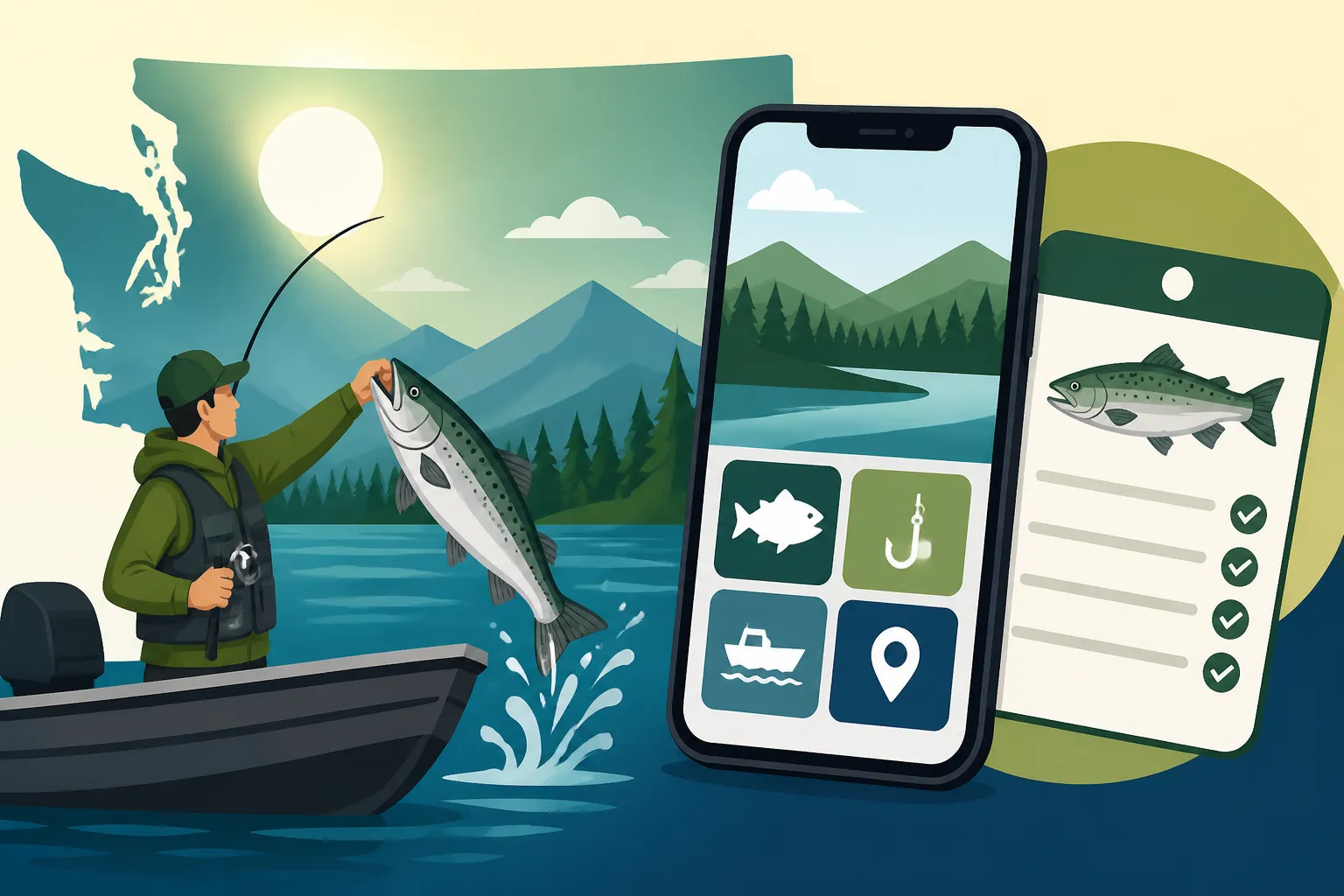
The Fish Washington App isn't just a fancy way to record your catch; it's designed to be a comprehensive hub for nearly all your Washington fishing needs. Think of it as your portable WDFW office, right there in your pocket. Developed by the Washington Department of Fish and Wildlife, this application aims to streamline the entire process of getting your license, understanding the rules, and reporting your harvest. Before this app, anglers had to juggle physical licenses, multiple paper catch record cards, and often relied on printed regulation pamphlets or outdated websites for critical information. The app brings it all together, ensuring that whether you're chasing salmon in the Puget Sound or trout in an Eastern Washington lake, you have instant access to what you need. It even helps simplify matters for those wondering about a Washington Fishing License Guide for Nonresidents, making the process more straightforward regardless of your residency status.
Beyond just licenses and catch cards, the app integrates mapping features, allowing you to visualize fishing areas and special regulations specific to those zones. It’s an ambitious effort to digitize and centralize information that was once scattered across various formats and platforms. For many, it represents a significant step forward in making fishing in Washington more accessible and less prone to procedural errors, effectively consolidating all of the information you might typically find on a paper regulation pamphlet into a searchable, portable format.
Key Features and Benefits of the App
The Fish Washington App is packed with features designed to simplify your fishing life and ensure you stay compliant. One of its most celebrated benefits is the ability to display your fishing license digitally. No more worrying about a paper license getting torn or lost; your official proof of purchase is always on your phone, ready to be shown to a Fish and Wildlife officer. This aligns perfectly with the goal of Carrying Your Washington Fishing License: Paper, Phone or the MyWDFW App, offering a flexible solution for modern anglers. The app provides real-time access to the latest fishing regulations, including those tricky emergency rule changes. You can look up specific seasons, bag limits, and gear restrictions for different marine areas or rivers, right from the bank or boat.
But the real star of the show for many is the electronic catch record card feature. This allows you to log your kept salmon, steelhead, sturgeon, and halibut with just a few taps. It captures vital information like species, date, location, and whether the fish was marked or unmarked. This instant data submission helps WDFW collect more accurate and timely information, which is crucial for managing our precious fisheries. Additionally, the app can often push notifications about urgent changes, such as unexpected closures or new openings, which can prevent a wasted trip. For instance, if you're planning a trip to Washington's Puget Sound Fishing Spots for Salmon and Bottomfish, you can quickly check for any specific salmon closures or daily limits for Chinook in Puget Sound, all from your device. It's about providing convenience and critical information, reducing the stress of compliance, and making sure you have more time to enjoy fishing. If you need a reliable waterproof phone case or a portable charger to keep your device powered all day on the water, you can find excellent options on Amazon that will ensure you don't lose access to these essential digital tools.
Navigating Electronic Catch Record Cards on the App
Making the switch from paper to digital catch record cards might seem a little daunting at first, especially if you’re used to the old ways. However, the Fish Washington App is designed to be user-friendly, and once you get the hang of it, you’ll wonder how you ever managed without it. It truly streamlines the process of fulfilling your catch reporting responsibilities.
Setting Up Your Electronic Catch Record
Getting your electronic catch record card ready on the Fish Washington App is straightforward. First, you'll need to download the app from your smartphone's app store – it's available for both iOS and Android devices. Once installed, you'll log in using your WILD ID, which is the same login you use on the WDFW licensing website. This links your purchased licenses, including your fishing license and any associated endorsements, directly to the app. After logging in, navigate to the "Licenses & Catch Records" section. Here, you'll see your active licenses and any available catch record cards. You'll need to "activate" the electronic version of your catch record card for the species you intend to fish. For example, if you're targeting salmon and steelhead, make sure your annual Salmon/Steelhead Catch Record Card is showing as active electronically.
It's critical to ensure you've selected and activated the correct type of catch card, as different species like salmon, steelhead, and sturgeon often require separate cards or endorsements. This step is essentially marking your digital card as 'in use,' just as you'd physically pick up a paper card from a dealer. This digital activation is important because it tells the system that you intend to use the electronic version, which then enables you to record your catches in real-time. Don’t skip this step, or you might find yourself unable to report a fish when the moment arrives. Having this setup correctly ensures that When a Catch Record Card Is Required in Washington, you're ready to go without any paper fumbling.
How to Report a Kept Fish Electronically
Successfully landing a fish is just part of the experience; properly reporting it is the next crucial step. With the Fish Washington App, reporting a kept fish is efficient. Once you’ve landed a legal fish you intend to keep – let’s say a Chinook salmon – open the app and go to your active catch record card. You'll usually see an option to "Report Catch" or "Record Harvest." Tap that. The app will then prompt you to enter several pieces of information:
- Species: Select the correct species (e.g., Chinook, Coho, Steelhead, Sturgeon, Halibut).
- Date: This will usually auto-populate to the current date.
- Location: You'll select the specific marine area or river section where you caught the fish. The app often uses your phone's GPS to suggest locations, or you can select from a dropdown list.
- Fin Clip: You’ll indicate if the fish had an adipose fin clip (meaning it's a hatchery fish) or was unclipped (wild).
- Length: Input the total length of the fish.
- Gear Type: Some fisheries require reporting the gear used (e.g., troll, jig, bait).
After inputting these details, you’ll confirm and submit the entry. The system timestamps your report, and the information is sent directly to WDFW. What if you make a mistake? The app typically allows you to edit or delete a recent entry within a certain timeframe (usually until midnight of the catch day), which is a huge advantage over paper cards where an error meant crossing out or starting a new line. Always double-check your entries before finalizing, especially species identification and fin clips, as these are critical for accurate data. This level of detail makes it far superior to the traditional How to Fill Out a Washington Catch Record Card.
Handling Catch-and-Release Records
The topic of catch-and-release reporting can sometimes be a gray area for anglers, but the Fish Washington App helps clarify the requirements. For many species and general fishing, you don't typically need to record a fish that you caught and released, especially if it's a legal catch within a legal season. However, there are specific situations where recording a released fish is not only recommended but often legally required, particularly for sensitive populations or in specific management areas. This is especially true for certain species like wild steelhead.
For instance, on many of Washington's rivers, wild steelhead are protected, and anglers are required to immediately release them unharmed. In some of these fisheries, even if you release a wild steelhead, WDFW may still require you to record the encounter on your catch record card. This helps them track angler effort and interaction rates with wild fish, providing valuable data even when no harvest occurs. The app will have specific options for "Released" or "Non-Retained" fish if reporting is mandatory for that species or fishery. Always consult the current regulations for the specific area and species you are targeting to understand if catch-and-release reporting is necessary. The app makes this easy by having the rules readily available. This helps ensure proper practices are followed, especially with species that have strict release rules, like those outlined for the Salmon Possession Limit in Washington, where certain fish must go back to the water.
The Legalities and Logistics of Digital vs. Paper
One of the biggest questions anglers have when switching to electronic catch record cards and the Fish Washington App is about their legal standing. Is it truly as good as paper? What happens if technology fails? These are valid concerns that need clear answers to ensure you don’t inadvertently find yourself in a bind with WDFW enforcement.
Is an Electronic Catch Card Legally Valid?
Absolutely, yes! The electronic catch record card displayed and utilized through the Fish Washington App is legally valid and recognized by the Washington Department of Fish and Wildlife. When you activate your electronic catch card through the app and accurately record your harvest, you are fulfilling your legal obligation under state fishing regulations. This digital system is designed to entirely replace the physical paper card, offering a modern alternative for anglers. However, there's a crucial caveat: your electronic license and catch card are only as good as your device's battery life.
Imagine you're approached by a WDFW officer for a compliance check. If your phone is dead, or if you can't access the app due to a technical glitch, you could be cited for not having your license or catch card readily available. This is a very real scenario that causes significant anxiety for many digital-first anglers. Therefore, it is paramount to ensure your phone is fully charged before heading out and perhaps carry a portable power bank, easily found on Amazon, as a backup. While the app is legally valid, the responsibility to display it when requested ultimately rests with you, the angler. It's a fantastic system, but it demands a little foresight about your device's readiness.
When You Still Might Need a Paper Card
Despite the overwhelming convenience of the Fish Washington App, there are still scenarios where having a physical paper catch record card, or at least being prepared for a situation where digital isn't an option, is a very smart move. The primary reason is often connectivity. Many prime fishing spots in Washington, particularly in remote areas along rivers like the Olympic Peninsula's legendary steelhead streams or certain high-country lakes, simply don't have reliable cell service. In these "dead zones," your app won't be able to transmit your catch data in real-time. While the app does have an offline mode that will queue your entries to sync later, having a paper backup ensures you can record your fish instantly and accurately, especially if your phone battery decides to call it quits unexpectedly.
Another reason might be personal preference. Some anglers simply prefer the tactile experience of a pen and paper, or they might not be comfortable relying solely on a digital device. Additionally, there could be rare instances where WDFW might, for very specific research or management reasons, temporarily require a paper card for a particular fishery. These situations are uncommon but possible. Lastly, if you're fishing with someone who doesn't have a smartphone or isn't tech-savvy, a paper card is the simplest way for them to remain compliant. So, even if you primarily use the app, consider keeping a blank paper catch record card (you can print one from the WDFW website or pick one up where licenses are sold) and a waterproof pen as a "just in case" backup. It’s always better to be overprepared than to risk a fine.
Common Challenges and Troubleshooting
While the Fish Washington App is a fantastic tool, like any technology, it's not without its quirks and potential issues. Being aware of these common challenges and knowing how to troubleshoot them can save you a lot of frustration when you're out on the water. After all, the last thing you want is a tech glitch interrupting your fishing flow.
Connectivity Issues in Remote Areas
Washington is blessed with incredible natural beauty, and often, the best fishing spots are far removed from bustling cities and reliable cell towers. This means that connectivity can be a major hurdle for users of the Fish Washington App. You've landed that trophy fish, you open the app to record it, and… no service. This can be incredibly frustrating. The good news is that WDFW designed the app with an offline capability specifically for this reason. You can still enter your catch data even without a signal. The app stores the information locally on your device and will automatically upload it to the WDFW servers the next time you connect to Wi-Fi or cellular data.
To maximize your chances of a smooth experience in remote areas, always ensure you've logged into the app before you leave civilization. This pre-loads much of the necessary data. If you know you're heading to a truly off-grid location, consider printing out a blank paper catch record card as a physical backup, just in case. You can always transcribe your notes from the paper card into the app later when you regain service. Also, ensure your phone's GPS is enabled for the app, as this helps with accurate location tagging even without active data. Portable Wi-Fi hotspots, though an added expense, can also be a consideration for those who frequently fish in areas with spotty service and want to ensure immediate data syncing.
App Updates and User Experience
Like all software, the Fish Washington App receives regular updates. These updates are crucial for fixing bugs, improving performance, adding new features, and keeping the app compatible with the latest operating systems. However, updates can sometimes introduce temporary glitches or change the user interface, which can be disorienting. It's a good practice to enable automatic updates for the app, or at least check for updates regularly before your fishing trips. If you encounter an issue, such as the app crashing or specific features not working, the first step is often to check if an update is pending or to restart the app (and sometimes your phone).
WDFW actively gathers user feedback to refine the app, so if you consistently experience problems or have suggestions for improvement, don't hesitate to use the feedback mechanisms within the app or on the WDFW website. Remember, you're part of a community of anglers who benefit from a well-functioning app. For example, some users might prefer a more intuitive way to check Washington Sport Fishing Seasons and Emergency Closures, and such feedback can drive future improvements. Keeping the app updated ensures you have the most stable and feature-rich version, minimizing the chances of encountering frustrating technical difficulties when you're trying to record your well-earned catch.
Lost Phones, Data Security, and Privacy
The idea of losing your phone while fishing, or having it damaged beyond repair, is a nightmare for any angler relying solely on the Fish Washington App. Not only do you lose your communication device, but also your official fishing license and catch record data. The good news is that your data is typically linked to your WILD ID and stored on WDFW's servers, not just locally on your phone. This means if you lose your device, your catch history and license information are generally safe and accessible once you log into the app on a new device or the WDFW website. You'll just need to download the app again and log in with your credentials.
When it comes to data security and privacy, WDFW is committed to protecting anglers' personal information. The app collects data necessary for fisheries management and law enforcement, but this information is handled according to state privacy policies. Your individual catch data is aggregated for statistical purposes, rather than being publicly linked to your specific identity. Always ensure your phone has strong security measures, such as a passcode or biometric lock, to protect your personal information in case of loss. For added peace of mind, consider backing up your phone regularly to a cloud service. The digital system ultimately offers a more robust and secure way to manage your licenses and catch data compared to the vulnerability of a single paper card.
Maximizing Your Fishing Experience with the App
Beyond just logging your catch, the Fish Washington App is truly designed to be a comprehensive resource that can enhance every aspect of your fishing trip. By leveraging its various features, you can go from being merely compliant to being truly informed and strategic about your angling adventures.
Integrating Regulations and Emergency Rules
One of the most powerful features of the Fish Washington App is its ability to provide immediate access to the latest fishing regulations and, crucially, emergency rule changes. We all know how frustrating it can be to plan a trip, only to arrive at your favorite spot and discover an unexpected closure or a change in bag limits. Washington's fisheries are dynamic, and WDFW often has to implement Emergency Rule Changes: Why Washington's Rules Shift Mid-Season, sometimes with very little notice, to protect fish populations or adjust to current run strengths.
With the app, you can avoid this common pitfall. Before you even leave home, or even when you're on the water, you can pull up the current regulations for your specific marine area or river. The app often highlights recent emergency changes, making them easy to spot. This means you can quickly verify that the area you're fishing is open, what the current species-specific limits are, and if there are any gear restrictions. Imagine heading out to the Olympic Peninsula for steelhead; instead of guessing or relying on outdated information, you can instantly check Where to Find Current Washington Fishing Rules, ensuring you're fishing legally and responsibly. This real-time access is invaluable for maximizing your fishing opportunities and avoiding potential violations, making the app an indispensable tool for any serious angler.
Planning Trips with the App's Features
The Fish Washington App isn't just about reporting; it's also a powerful trip planning tool. Before you even wet a line, you can use the app to research potential fishing spots, understand the specific rules that apply to them, and even get a general idea of what fish species might be available. For example, if you're thinking about a trip to Fishing the Columbia River in Washington: A Complete Overview, you can use the app to pull up the Columbia River regulations, checking for specific zones, seasons, and any unique rules for salmon or steelhead. The integrated maps within the app can help you visualize fishing areas, identify public access points, and understand boundaries for different marine areas.
This predictive and informational aspect of the app saves you time and reduces uncertainty. Instead of cross-referencing multiple websites or outdated pamphlets, all the critical information is centralized. You can look up daily limits for Chinook in Puget Sound, check if a two-pole endorsement is required in a particular lake, or review catch-and-release rules for wild steelhead. This comprehensive approach means you can tailor your gear, bait, and expectations to the precise regulations of your chosen destination, leading to a more successful and compliant outing. Being well-informed allows you to focus on the fishing itself, rather than constantly worrying about regulatory minutiae.
Disclaimer
The information provided in this guide is for general informational purposes only and is not intended as legal advice. Fishing regulations in Washington are complex and subject to frequent change. Always consult the official Washington Department of Fish and Wildlife (WDFW) regulations, emergency rule updates, and the Fish Washington App before engaging in any fishing activity. It is the angler's responsibility to know and adhere to all current rules and regulations.